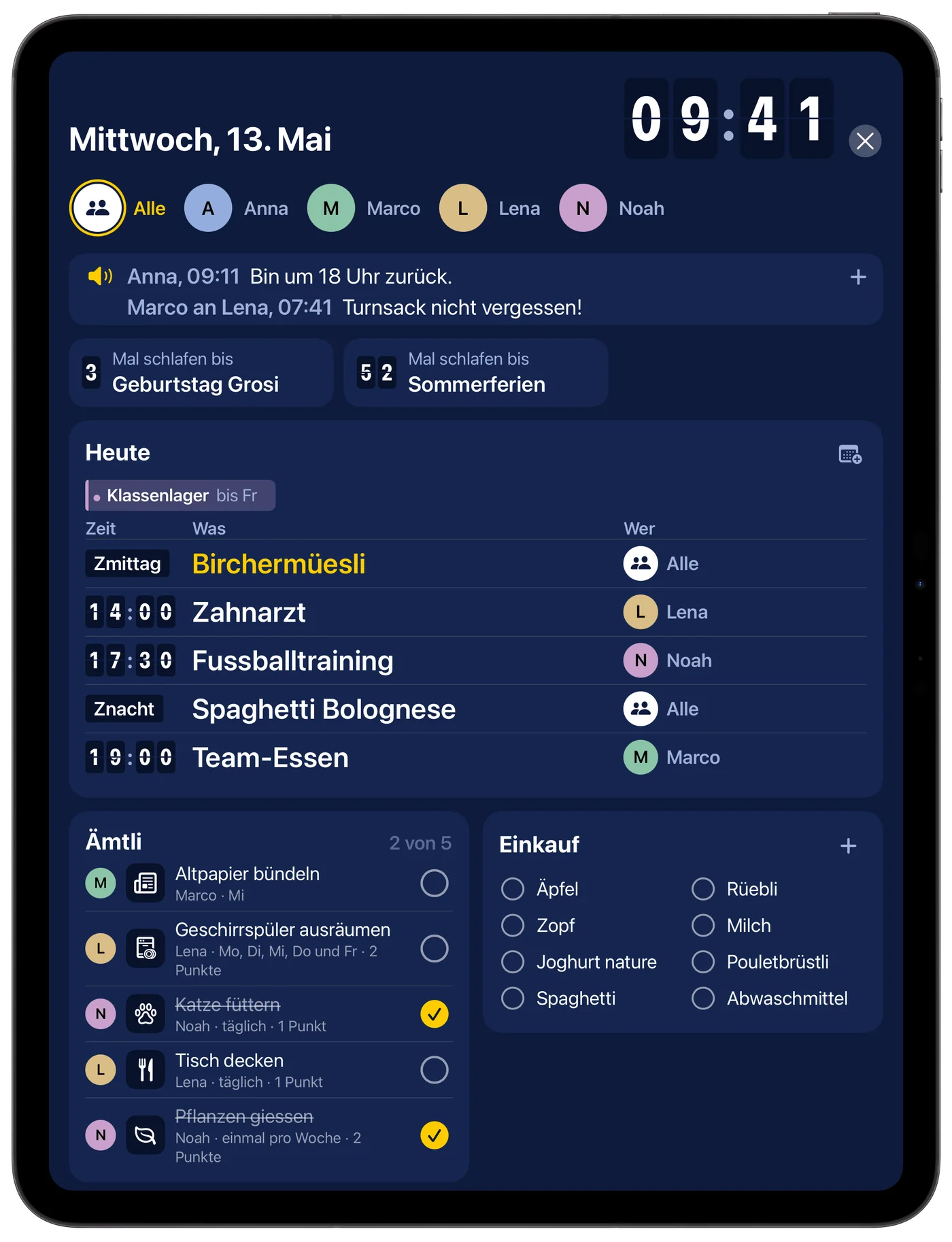
Familienboard

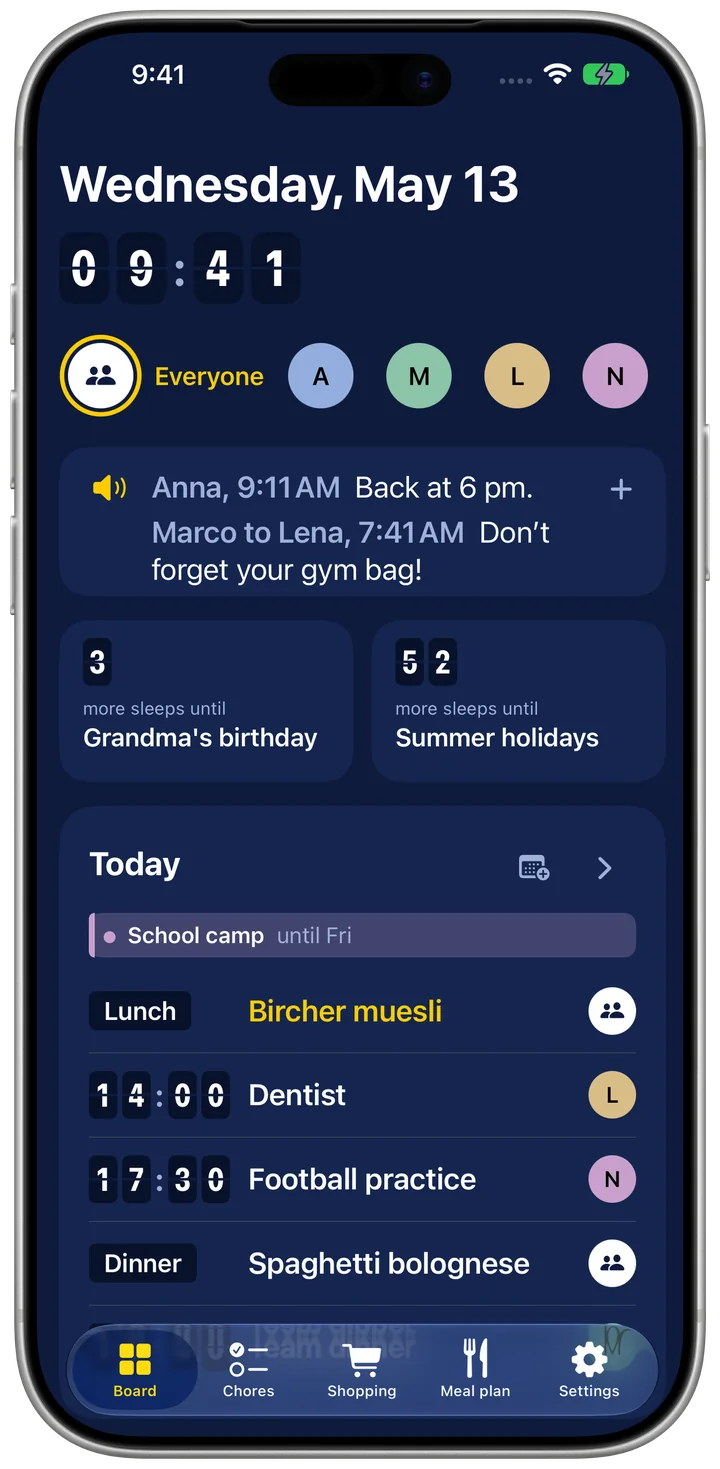
A look at Familienboard
The whole week at a glance
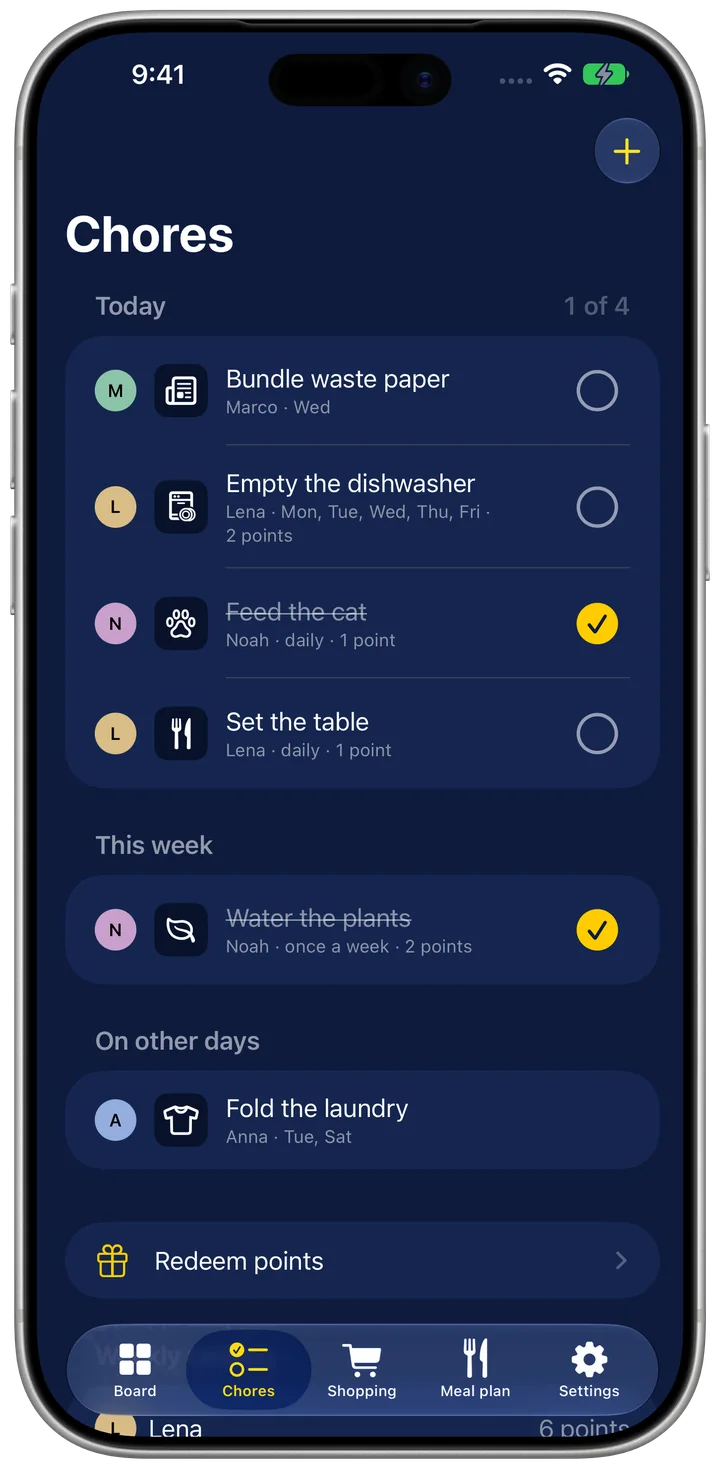
Share out and tick off chores
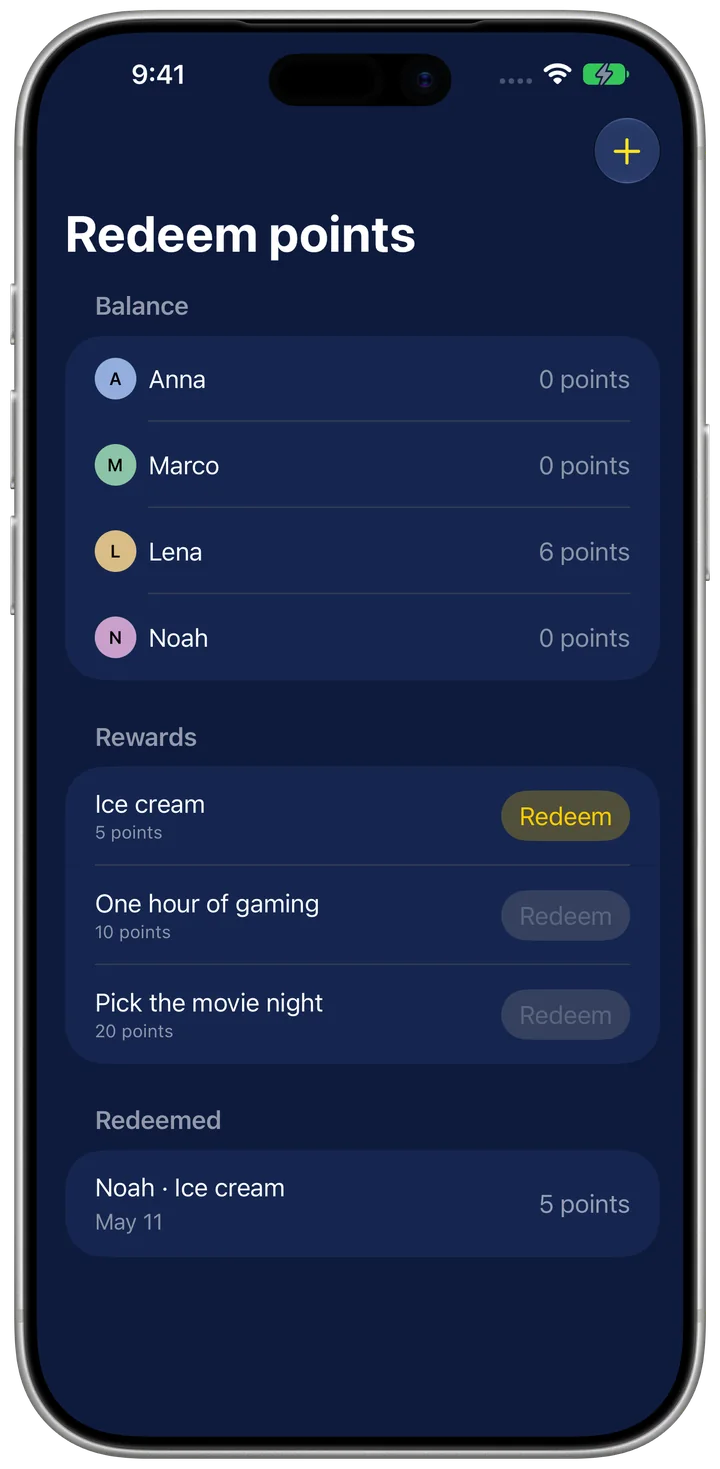
Points for rewards
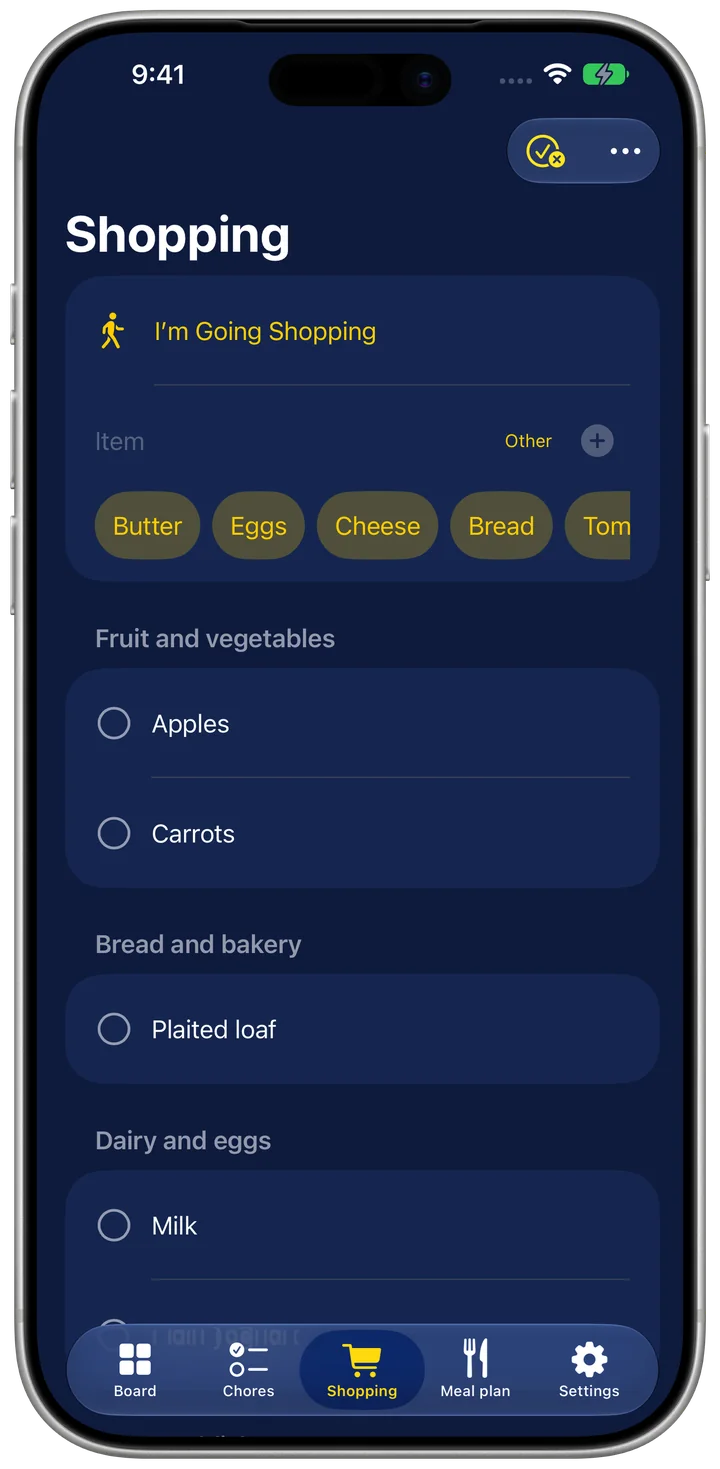
Shop by store section
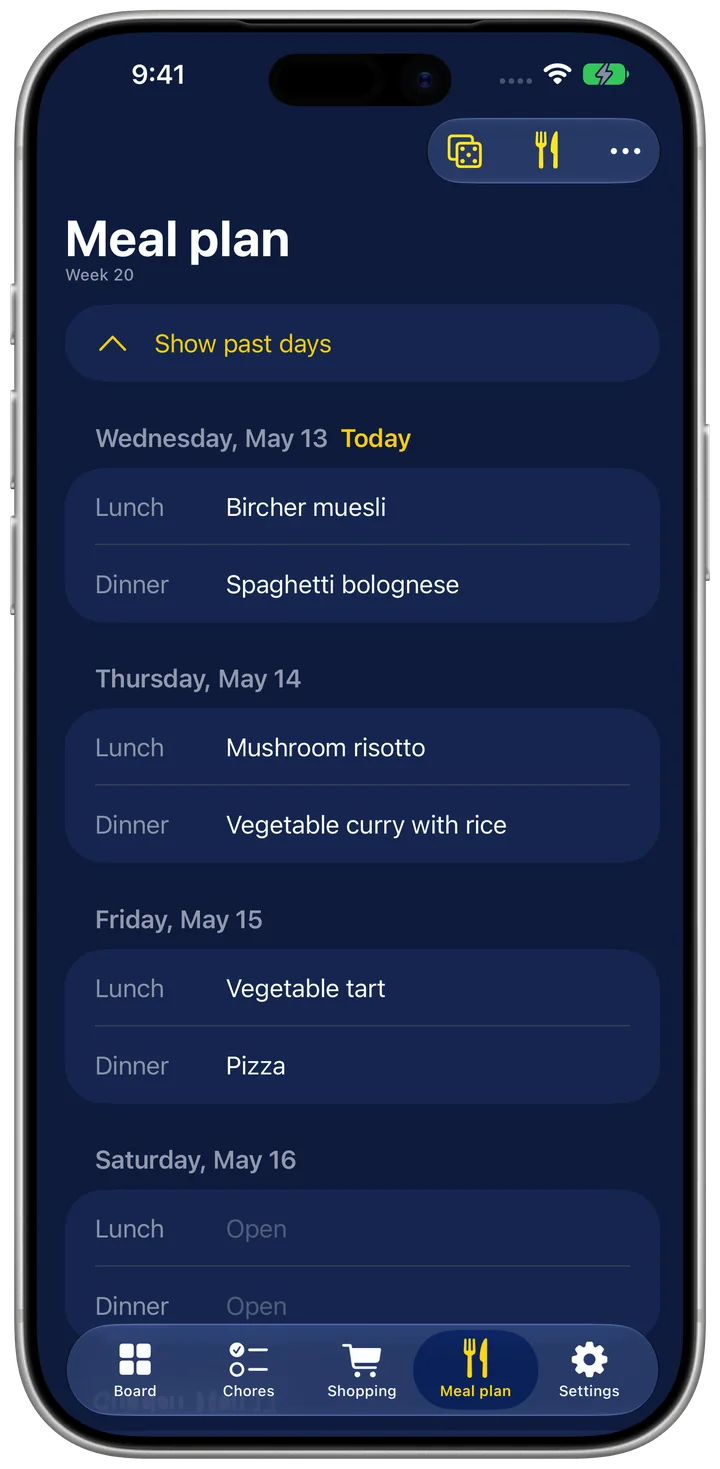
Plan lunch and dinner
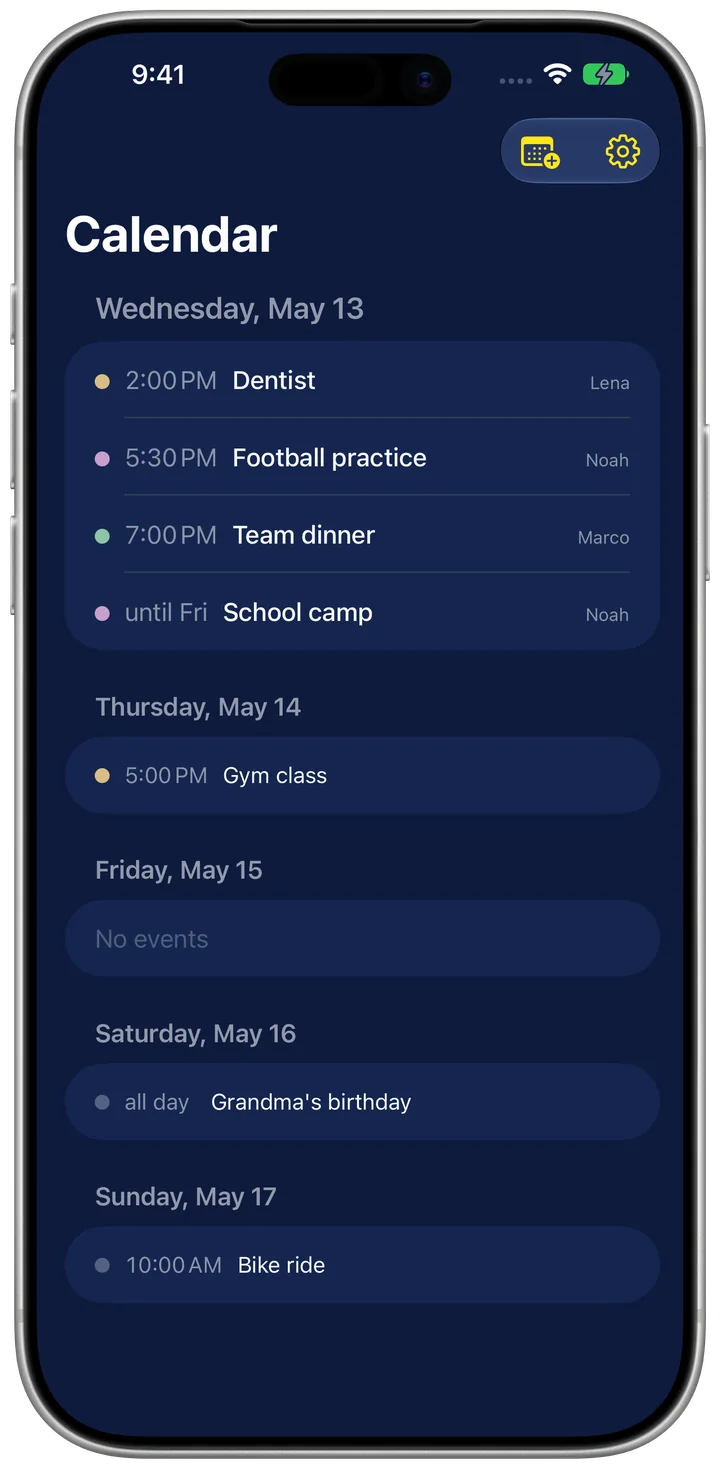
Events from Apple Calendar
What Familienboard does
The whole family on one board: chores with points and rewards, a shared shopping list, a meal plan with recipes. On the wall and on every iPhone.
Familienboard is the family week plan for iPad and iPhone. An iPad on the wall shows chores, the shopping list, the meal plan, the calendar and notes. Everyone ticks things off right on the board or on their own iPhone.
The whole family
- Invite your family: with an iCloud link, everyone sees and edits the same board on their own iPhone
- Changes show up for everyone, with no account and no server of ours
Chores
- Assign chores with a repeat: daily, on certain weekdays or once a week
- Rotation: if you like, it is the next person's turn every week
- Tick off with a large button, today's progress and a weekly ranking
- Redeem points: ice cream, an hour of gaming or a movie night, with a parent PIN
- An evening reminder when chores are still open
Shopping
- Shared shopping list, sorted by store section, with frequent items as suggestions
- Share the list as text or send it to Apple Reminders
- With a shortcut or your voice: “Add something to the shopping list”
Meal plan and recipes
- Plan lunch and dinner, with your own dishes, pictures and favorites
- “Roll the week” fills the empty slots from your favorites
- One tap puts the ingredients of the whole week on the shopping list
- Import recipes from recipe sites, also straight from Safari via Share
- Import recipes from your own Mealie server
Calendar, notes, widgets
- Events from Apple Calendar, one color per person
- Notes on the board disappear after one day
- Home Screen widgets: today's chores (tick them off right there) and the shopping list
On iPad too